TOOL · MAKE FROM AN IMAGE
Turn an image into a bead pattern
Convert a photo, illustration or pixel art locally, with controls for grid size and color count.
Open the pattern makerUpload a photo, illustration or pixel art. Adjust the grid and color count, then download a numbered pattern.
Add a photo, illustration or pixel art to get started.
Simple shapes and clear colors work beautifully.Photo → bead pattern
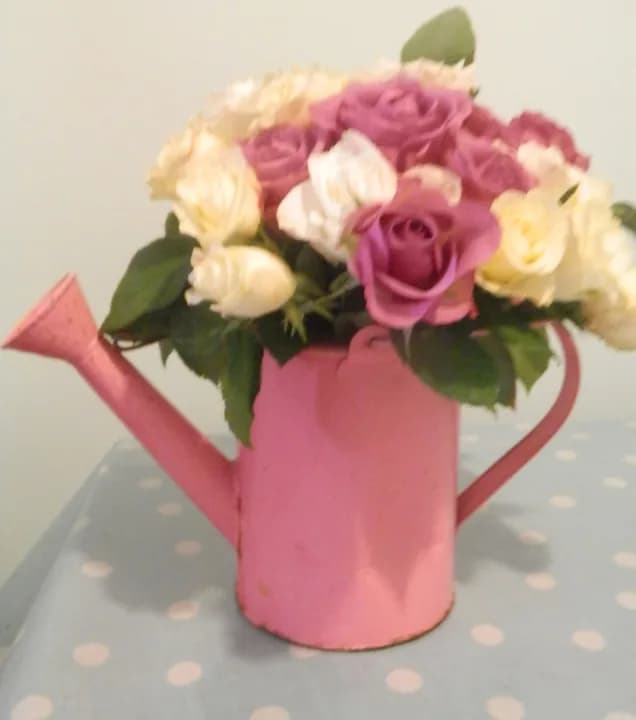
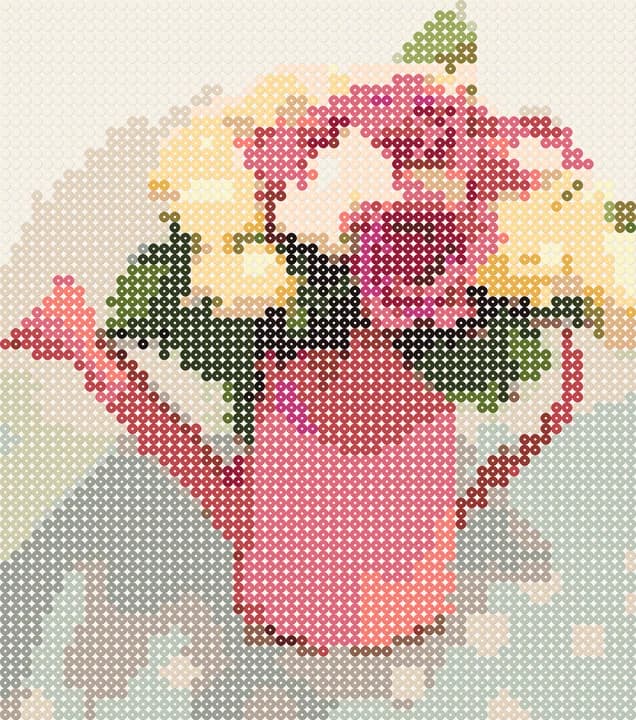
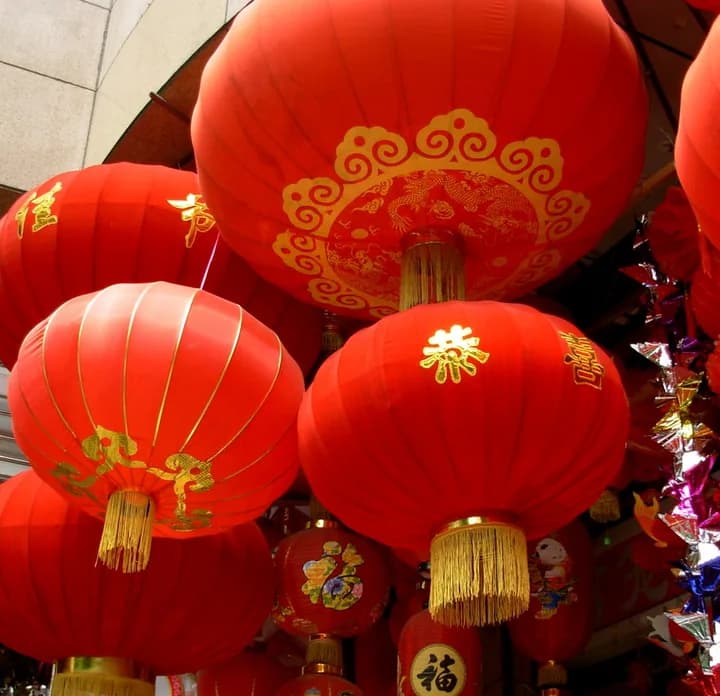
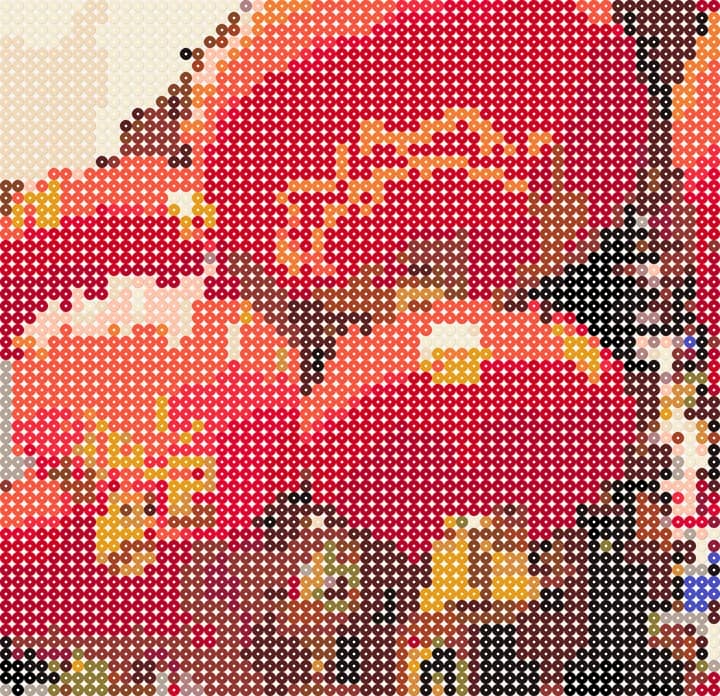
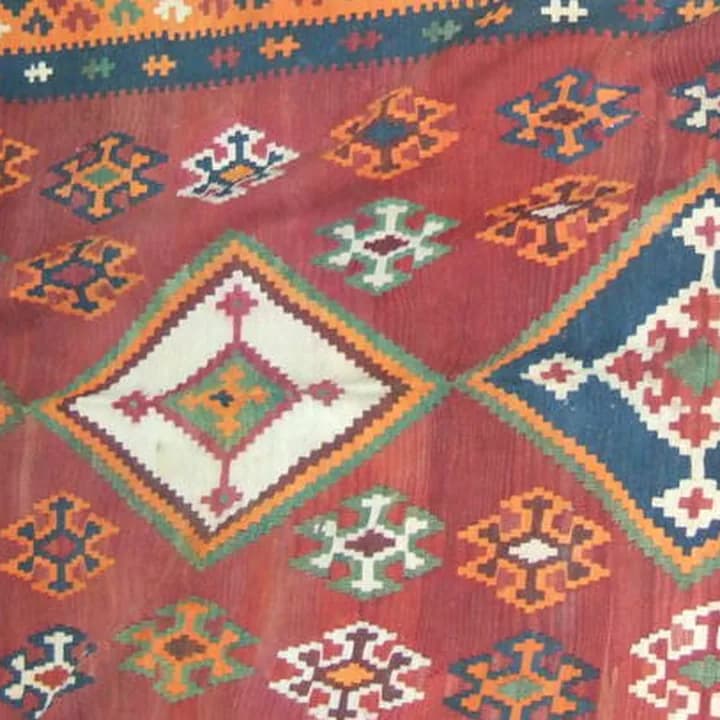
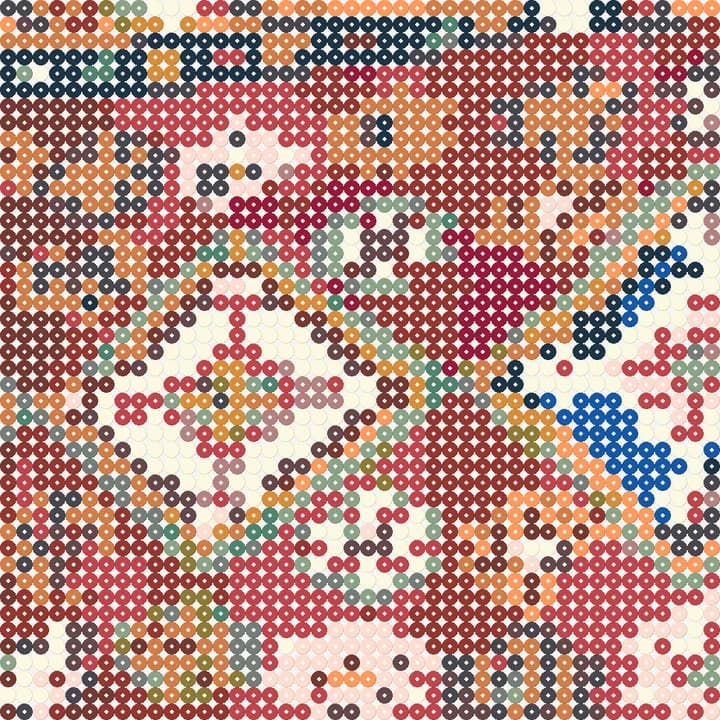
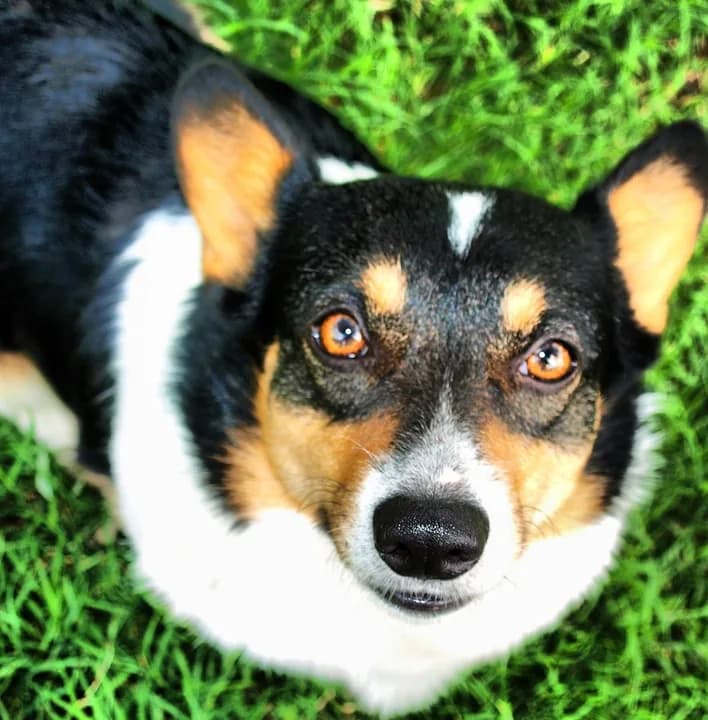
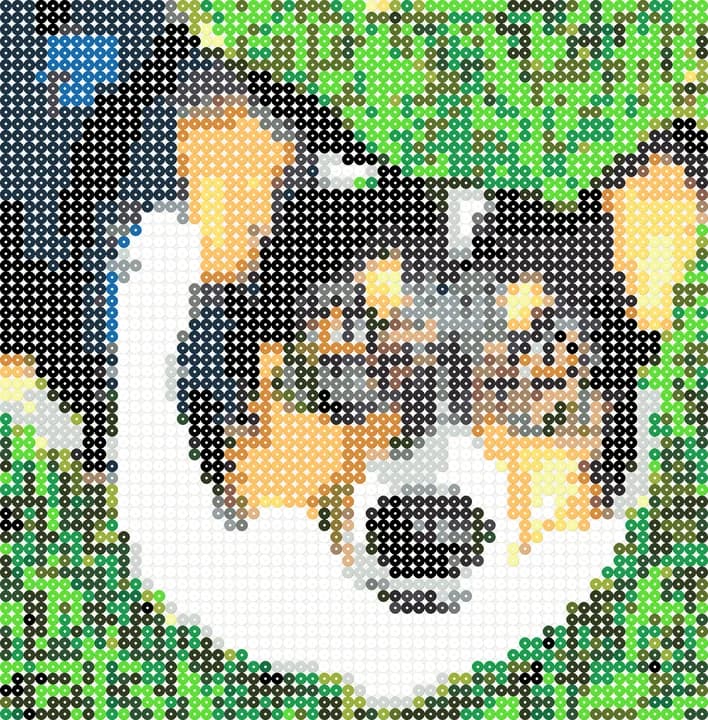
Flower bouquets, Chinese-style lanterns and blue-and-white porcelain, kilim-style coasters, cute pets and line-art animals. Drag the slider on each photo to compare it with the bead pattern our converter makes.
THREE WAYS TO START
Use the maker for your own image, or explore original designs when you want inspiration and a theme.
TOOL · MAKE FROM AN IMAGE
Convert a photo, illustration or pixel art locally, with controls for grid size and color count.
Open the pattern makerIDEAS · PATTERNS · DESIGNS
Explore patterns with real dimensions, color counts, bead totals and difficulty.
Browse all ideasLETTERS · CHARACTERS · CHRISTMAS
Choose a letter, original character or seasonal motif, then open its full countable grid.
Explore pattern themesPRINT, COUNT, MAKE
One conversion gives you a visual preview, a numbered chart and a complete color count.
A high-resolution chart with coordinates, MARD color codes and quantities.
Large patterns split across readable A4 pages, plus a separate materials list.
A spreadsheet-friendly UTF-8 list of every used MARD code and quantity.
MADE FOR REAL BEADS
The same pattern data powers the preview, counts and every export, so the numbers stay consistent.
GuideChoose a grid width from 16 to 128 beads; height is calculated from the image instead of stretching it.
Transparent pixels remain empty cells and are not counted as white beads.
Visible pixels are matched to the MARD 221-color palette using perceptual color distance, then limited to 2–48 colors.
A LITTLE PIXEL. A LOT OF POSSIBILITY.
Use a photo, illustration or pixel art you have permission to use. High contrast and simple shapes make a great first project.
More beads preserve detail. Fewer colors keep your shopping list simple. Your image keeps its original proportions.
Download a numbered chart, gather your colors and start placing beads. Follow your bead manufacturer's instructions for ironing.
This first version matches the MARD 221 solid-color palette. Perler and Hama palettes are not included yet; their color codes are different.
No. Image conversion and downloads happen on your device. The current project is stored in this browser session so language changes keep your work. Clear project removes it.
This version converts existing images with local image processing. Text-to-image generation and AI styling are not available yet.